Improving Remote Operations
Streamlining ssh Configuration
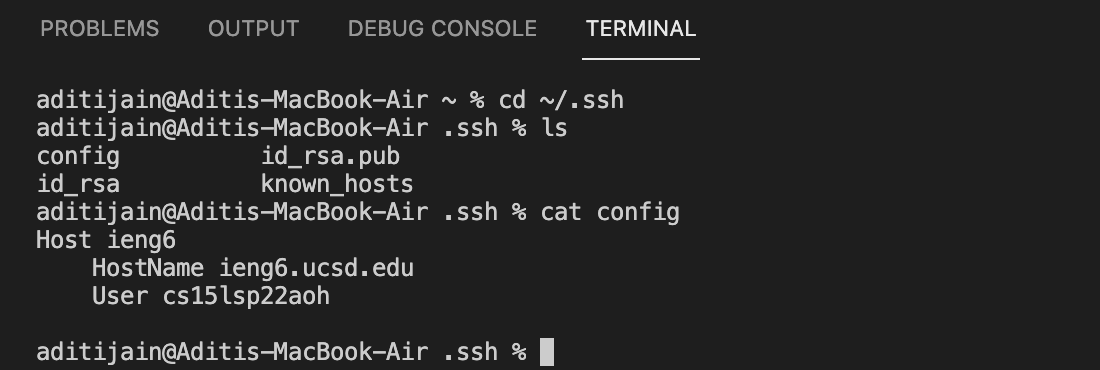
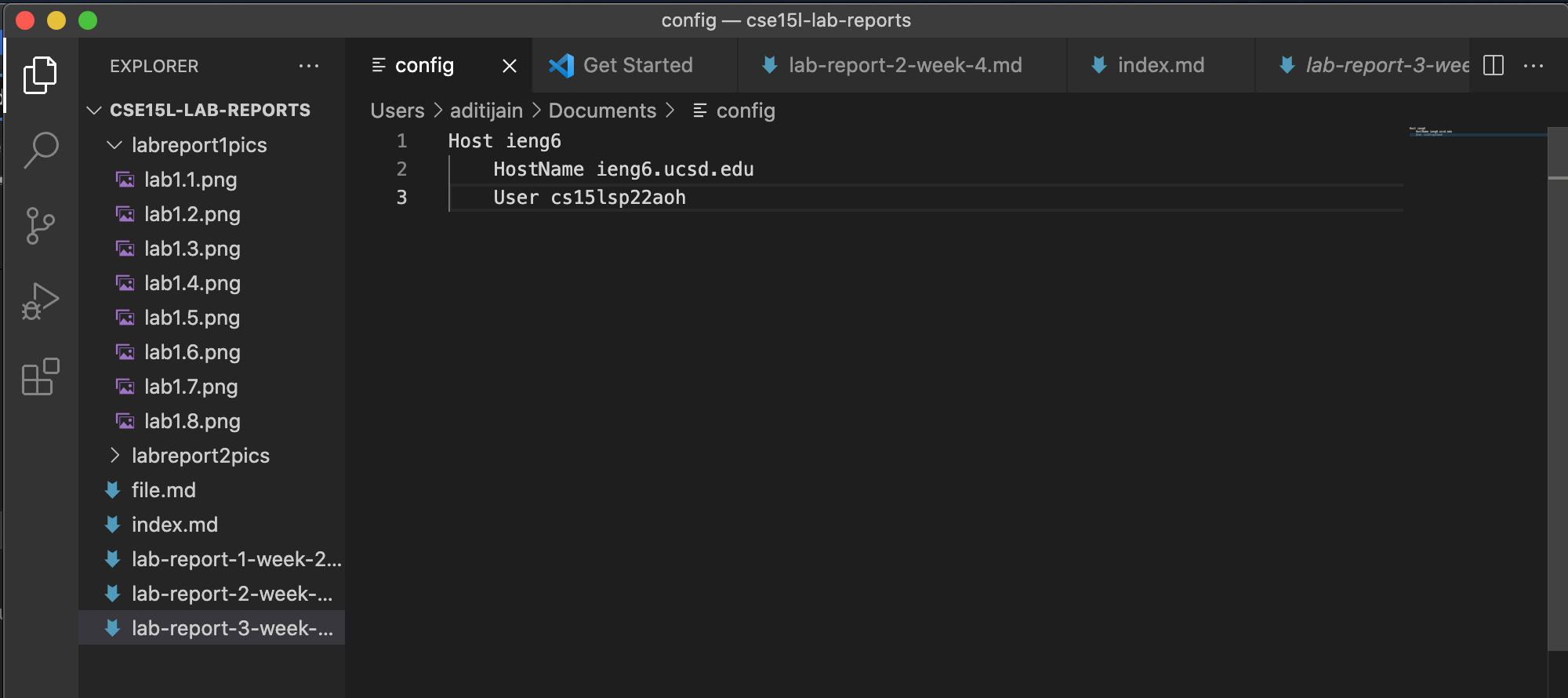
- The images below show my
.ssh/config file. I edited using VScode as seen below.
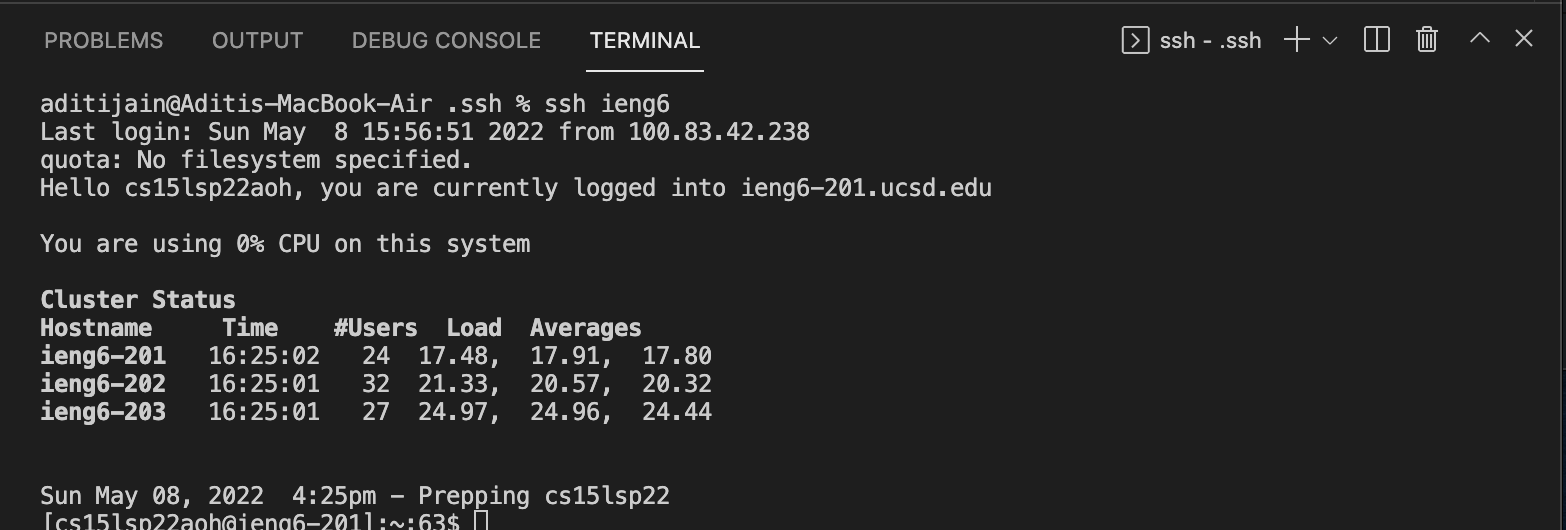
- The next image is me logging in to my account using the
ssh command using just the alias I chose.
- The next image shows an
scp command copying the test.txt file to my account using just the alias I chose.

Setup Github Access from ieng6
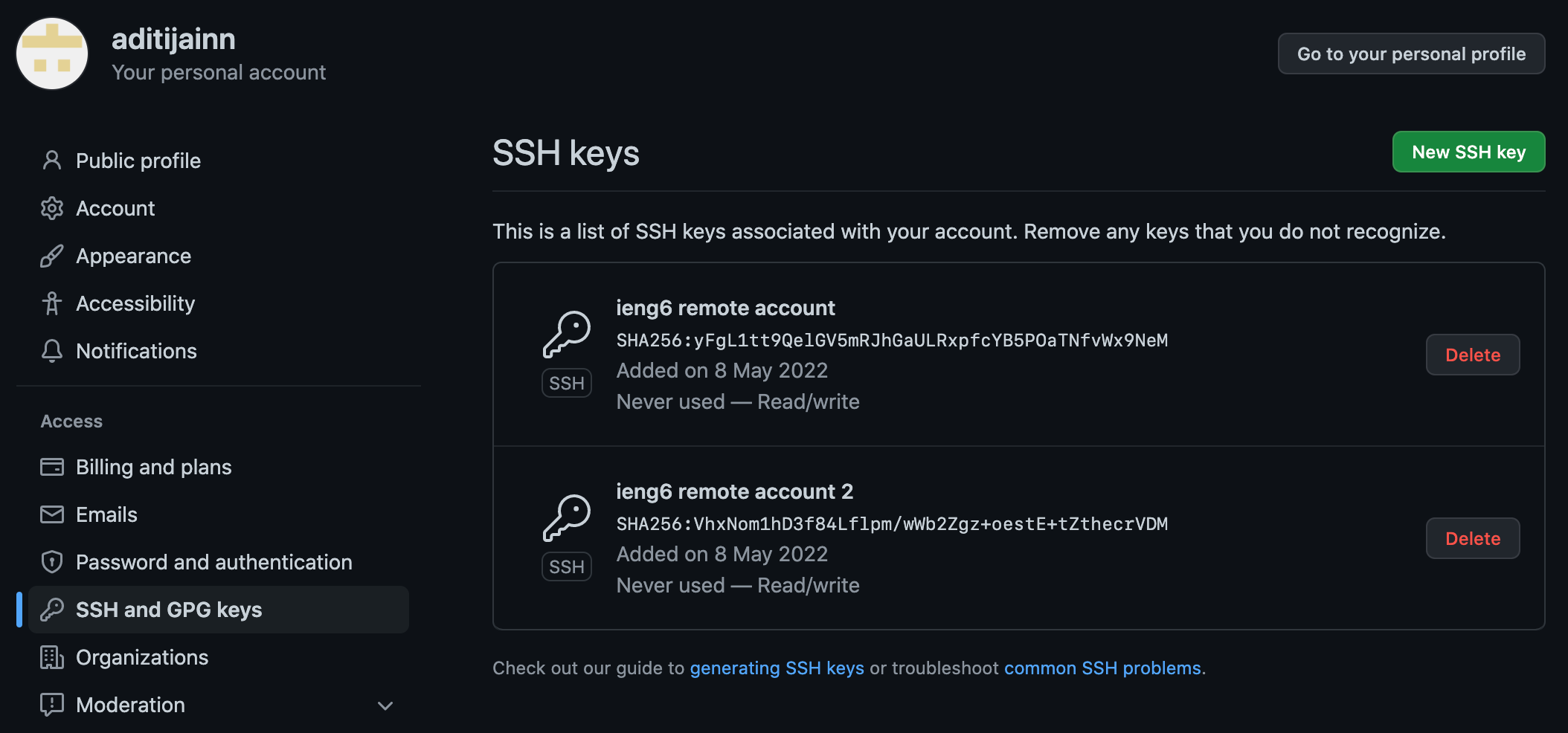
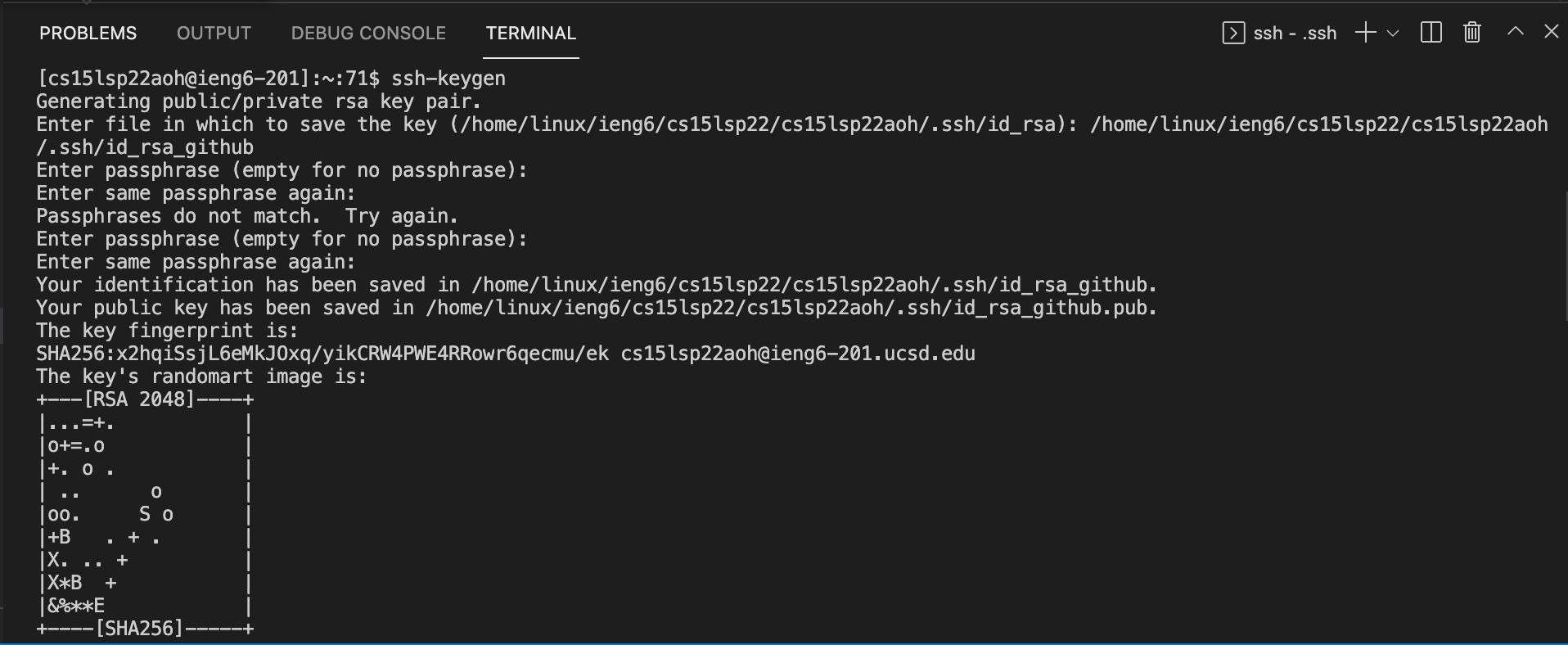
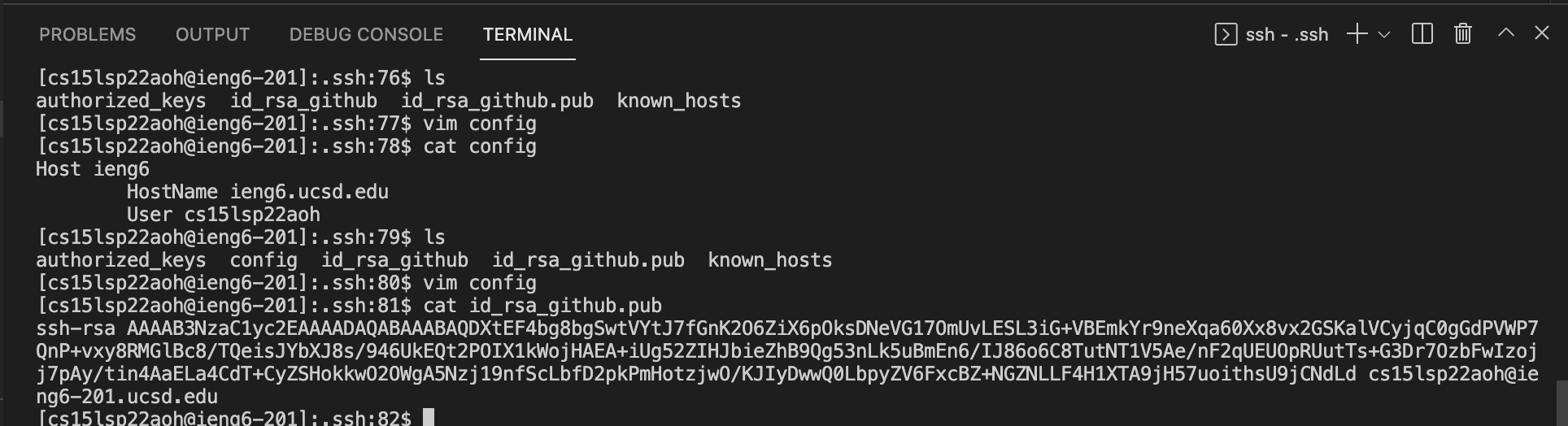
- Below is where the public key I made is stored on Github and in my user account. My privatee key is stored in the directory as seen in the second picture.
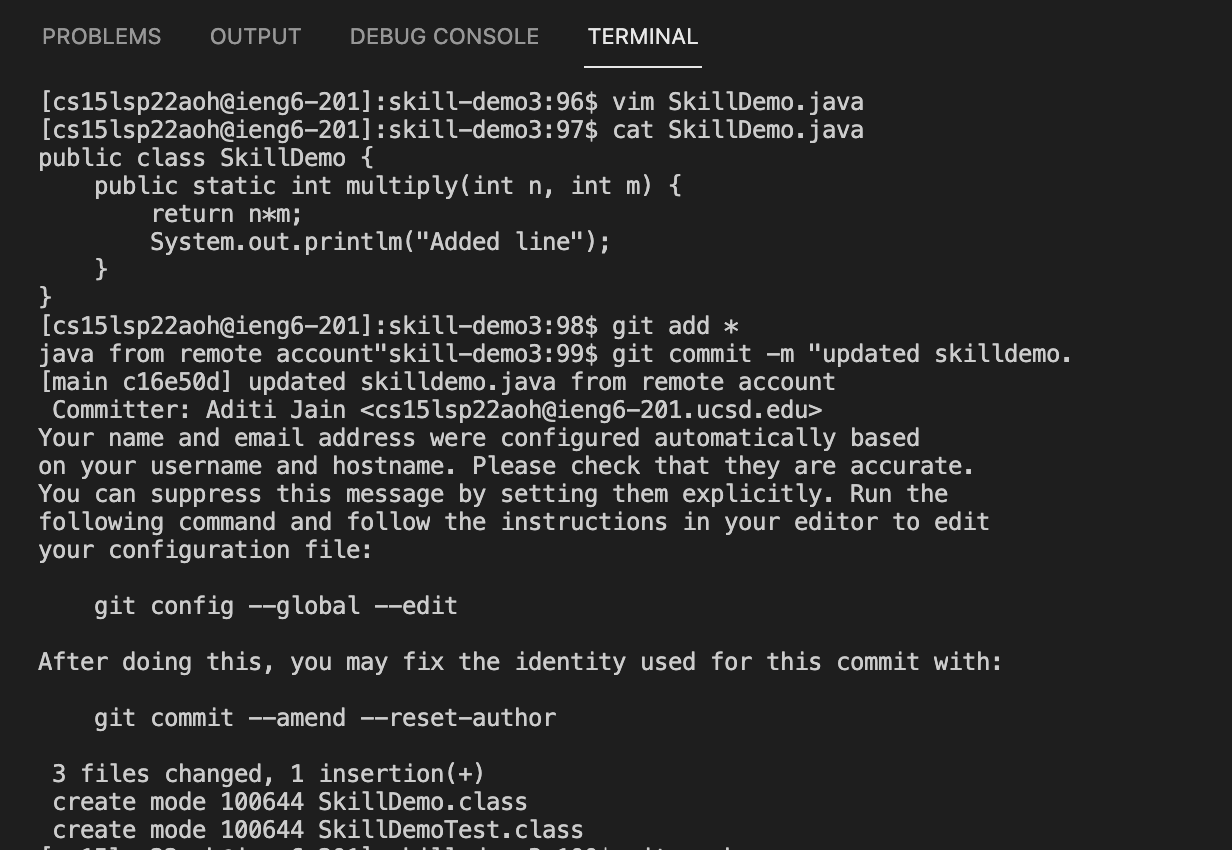
- Below is me committing a change I made to my
SkillDemo.java file.
Copy whole directories with scp -r
- Below I copy my whole markdown-parse directory to my ieng6 account
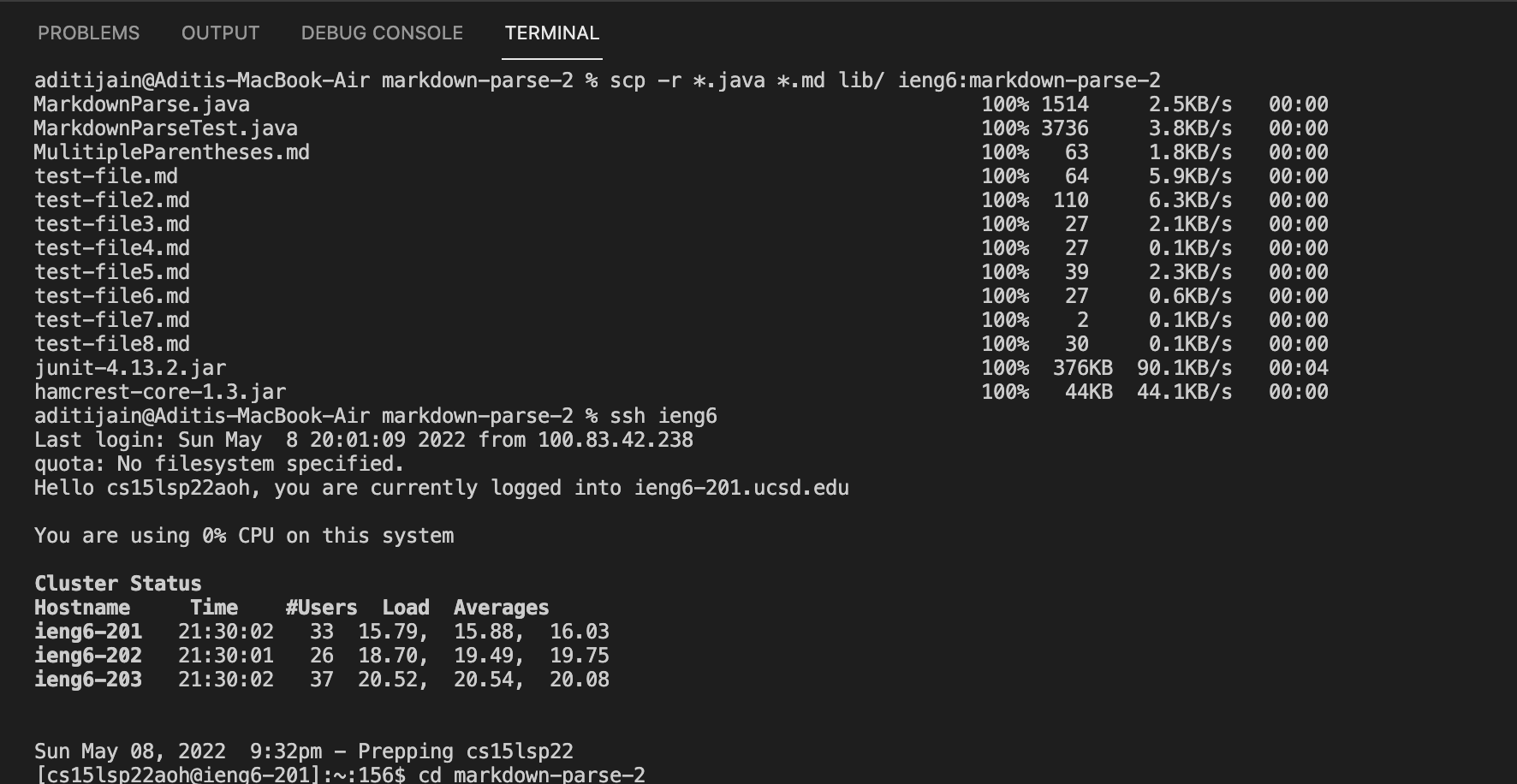
- I log into my ieng6 account after doing this and compile and run the tests for your repository below.
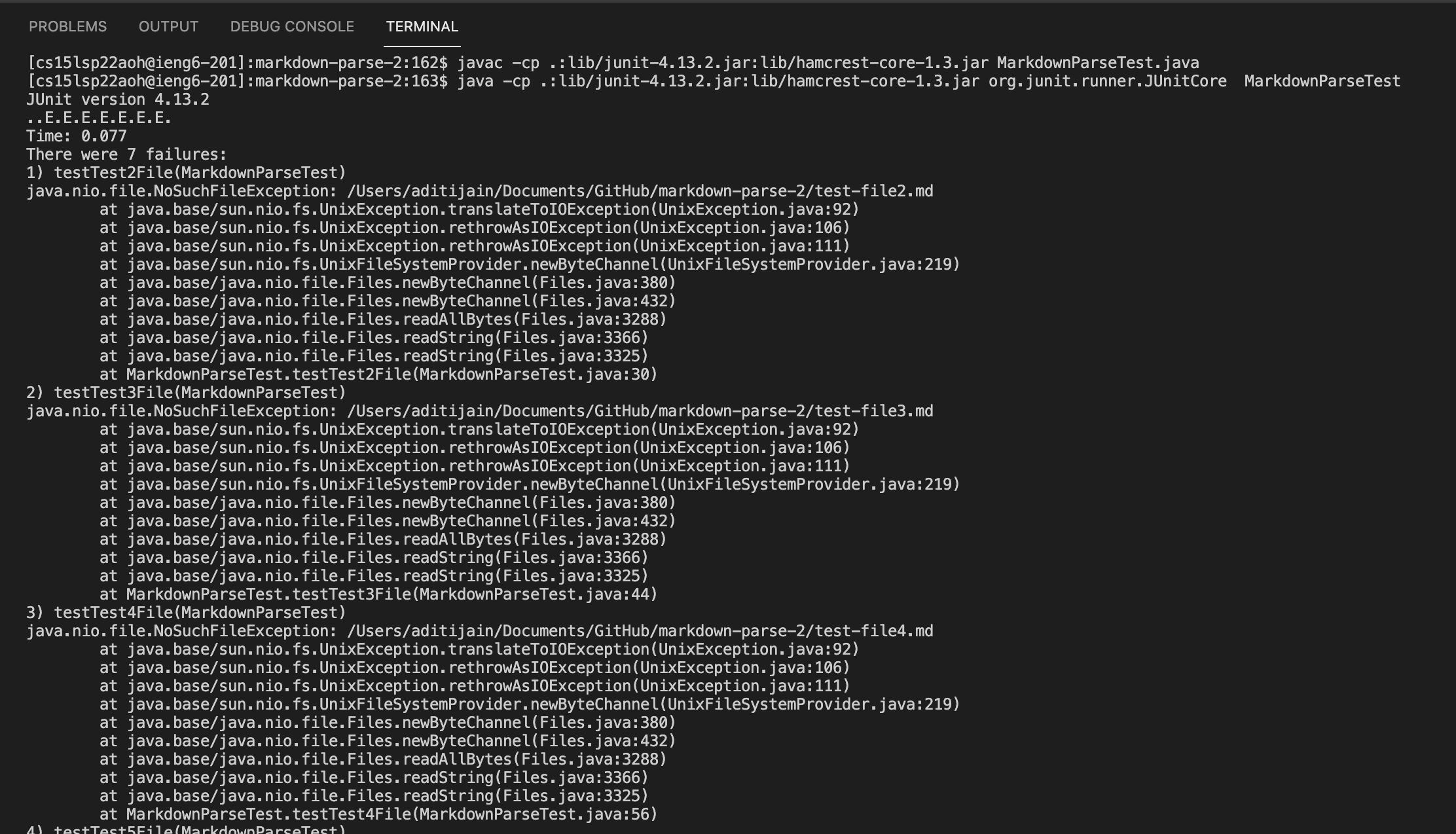
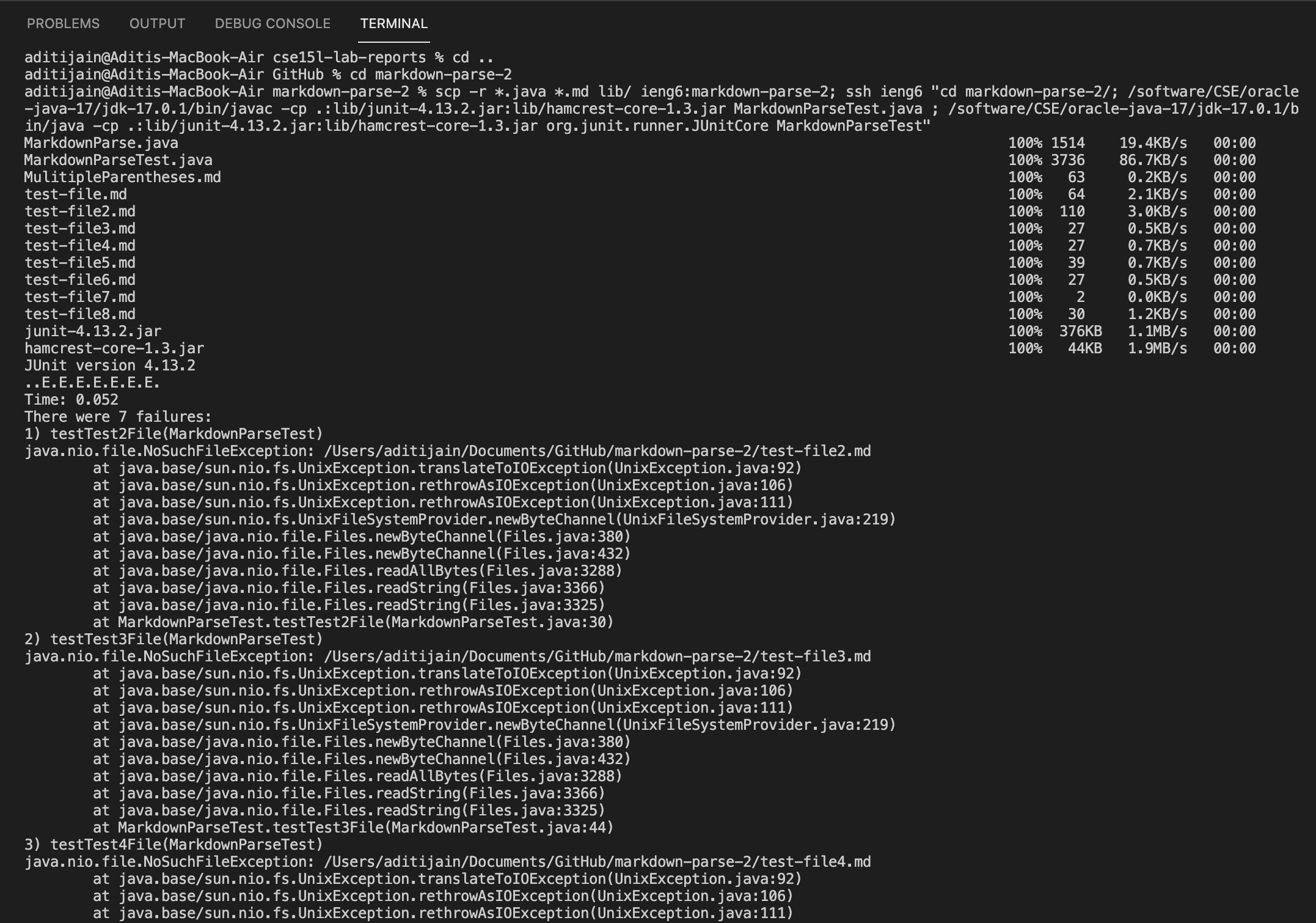
- Here is me combining
scp, ;, and ssh to copy the whole directory and run the tests in one line.